
Sending…
Describe the page you need and name one system it should read from. Aquifer AI drafts it from live data; you leave with a live page and a share link.
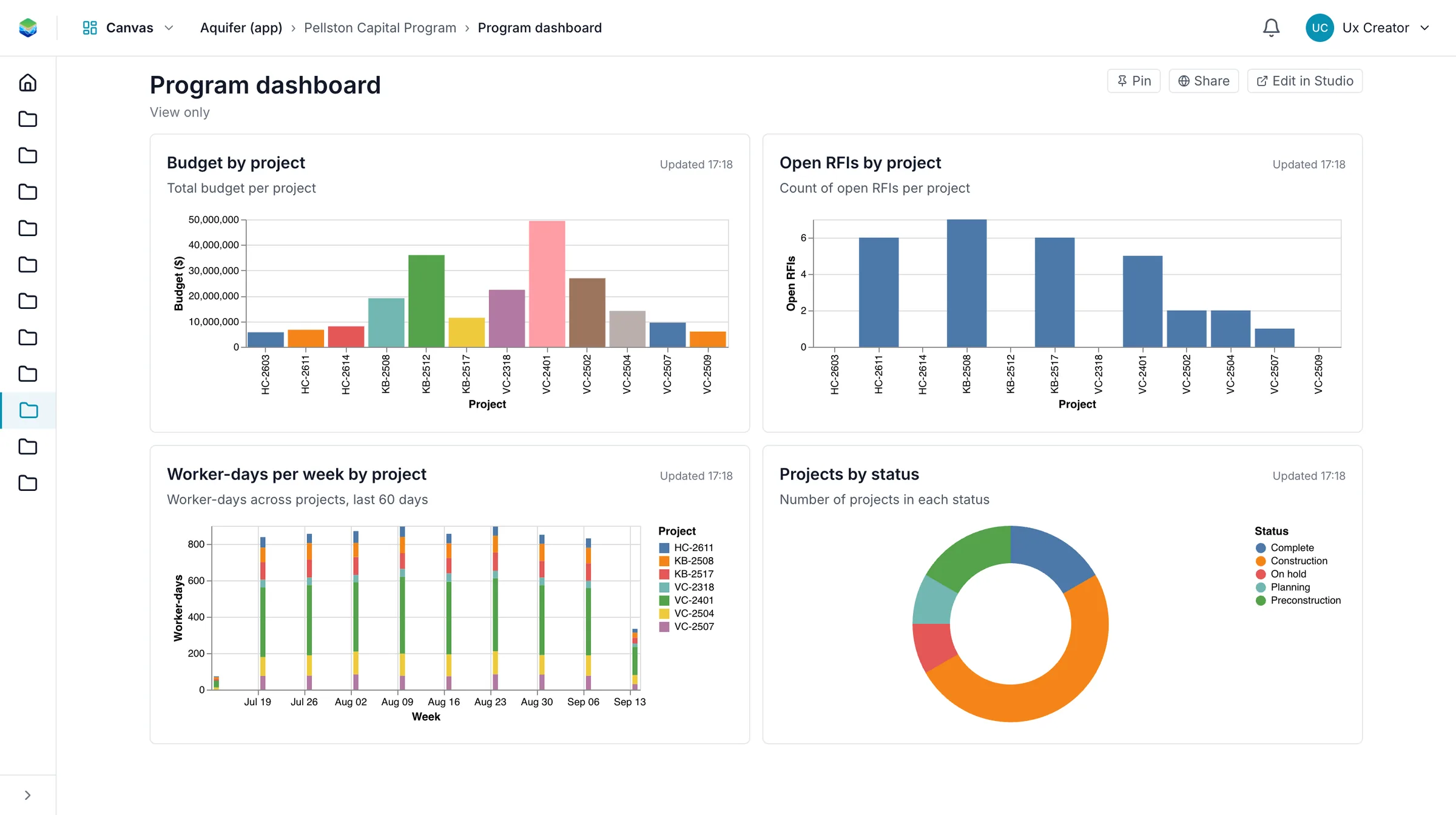
"Open RFIs by project with a map", "spend against budget by site", "this month's lookahead". One sentence is enough.
We connect the one system, Aquifer AI drafts the page, and we adjust it together until it reads right.
You leave with a live page, a share link, and the next pages written down.




Do we need to buy anything first?
No. The session and the page are free. If you keep using it, we talk about pricing then.
Which systems can the page read from?
Any of the 70+ connectors, including Procore, the construction ERPs, owner platforms, ArcGIS and spreadsheets.
We use a small number of first-party cookies to understand which pages visitors find useful. No advertising, no third parties. Privacy notice