
Sending…
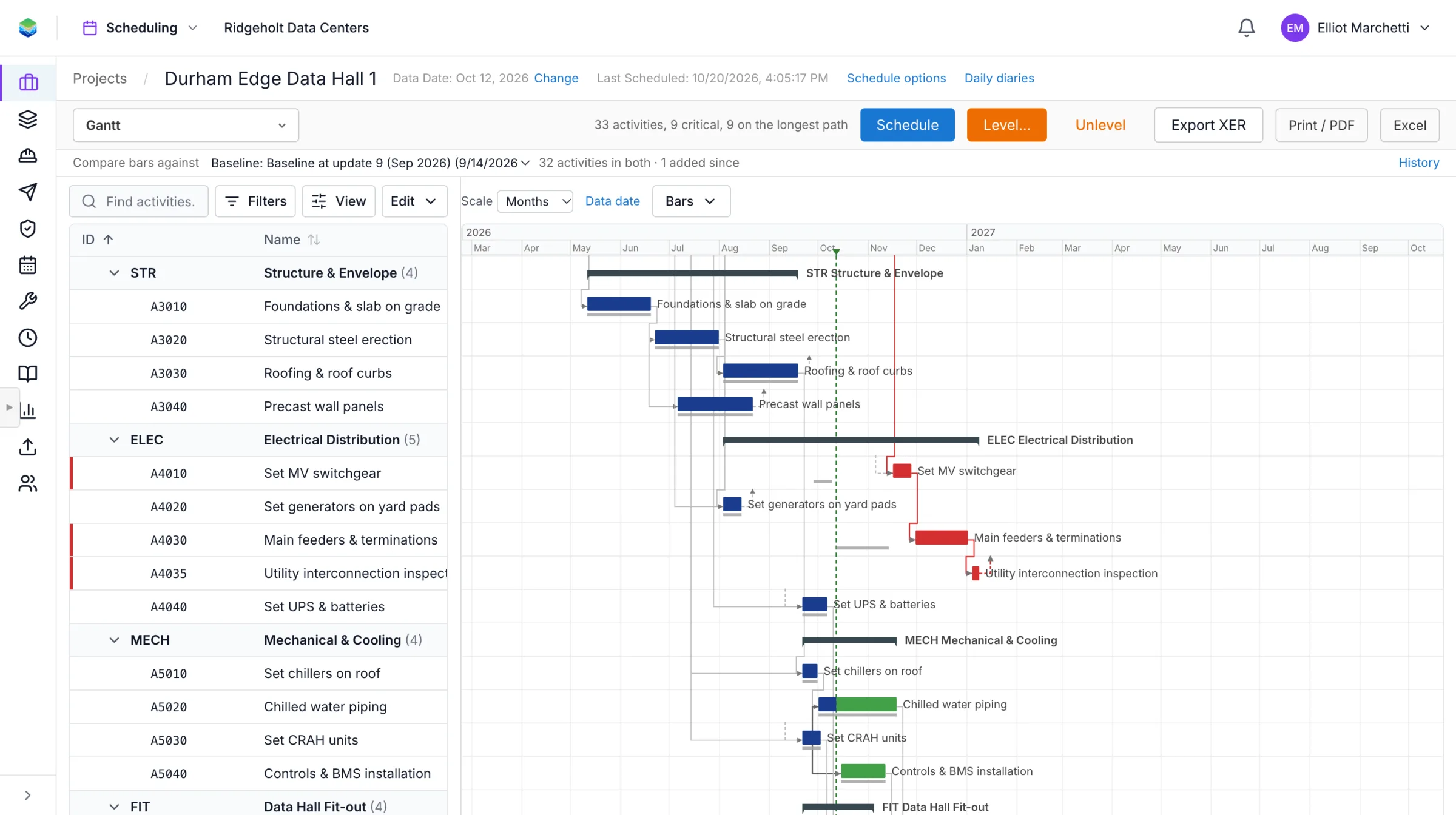
Send us an XER or P6 XML file. You get a quality report, a browser view with its logic intact, and a link the owner and subs can read without a license.
An XER or P6 XML export of one live project. We treat it as confidential.
Logic, constraints, float, calendars and the DCMA 14-point assessment, with a note on each finding.
You get the report and a read-only link for the owner and subs.




Will the dates match my P6 file?
Your logic, calendars and constraints come in as they are, and the report shows the dates side by side on your own file, so you can check for yourself.
Can the owner and subs edit it?
Not from the share link. Reading is free and open; editing is for the people you name on the schedule.
We use a small number of first-party cookies to understand which pages visitors find useful. No advertising, no third parties. Privacy notice